


Summary
- OpenAI announced the Windows rollout of ChatGPT Appshots through its developer account on September 17.
- The changelog lists it under the 26.908 build dated September 11, and on Windows you capture one by pressing both Alt keys.
- An appshot carries the image and text of the frontmost window only, and in apps such as Google Docs and Gmail only the visible screen may come through.
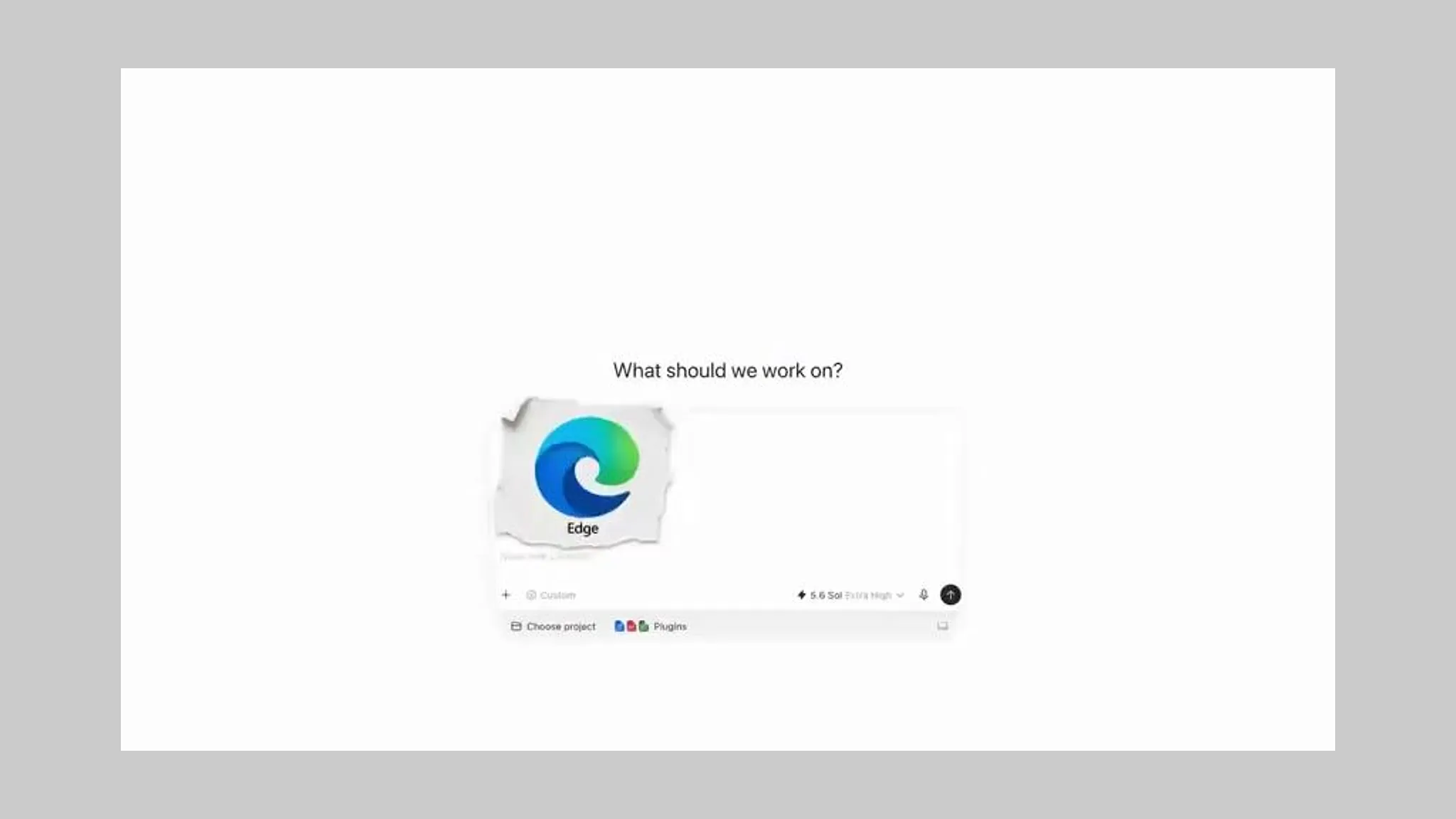
Handing over the whole window beats describing what is on your screen. On September 17 OpenAI used its developer account to say that Appshots in ChatGPT now work on Windows. An appshot attaches the frontmost app window to a ChatGPT conversation as an image plus its text, and on Windows you take one by pressing both Alt keys at once. On macOS it is both Command keys.
In that post the OpenAI Developers account wrote, "Give ChatGPT context from the apps you're working in and spend less time getting it up to speed." The next line named three uses and said there were more. Debugging an issue, grabbing a UI you want to recreate, pulling in data from another app, all of which the company tied together with a single line: "A lot less copying and pasting."
The feature actually opened six days earlier. The ChatGPT and Codex changelog that METAL checked lists the Windows release of Appshots under the 26.908 build dated September 11. The same build added a quick chat typed straight from the floating Pets controls, where @ adds context and $ picks a skill, and the controls come up with Option and Space on macOS or Windows, Alt and P on Windows.
The documentation is explicit about what an appshot holds. It states that "an appshot captures the frontmost window only," and what it captures is an image of the visible window plus the text that window makes available. That text covers not just what is on screen but the part you would have to scroll to reach. Once attached, an appshot behaves like any other attachment and is stored locally in the session file, exactly like a file or image you upload by hand.
The familiar version of this is turning your laptop around in a meeting. Instead of explaining what went wrong you show the screen and let the other person read it, and two keys now stand in for that sequence. The arrangement where only people who explain well get good answers gets shaken here.
There are rules about which conversation an appshot lands in. The default is to open a new chat, but if you interacted with a chat within the last 60 seconds it goes there instead. Take several in a row and they stack in the same chat. Settings let you pin the destination to the current chat or a new chat, and Automatic keeps the behavior just described.
Permissions are stricter on macOS. Screen and System Audio Recording lets ChatGPT capture the window image, and Accessibility lets it read the window's text. The documentation notes that taking an appshot shares the captured image and available text with ChatGPT, and advises against capturing sensitive content unless the task requires it. If the feature does not appear, the guidance is to update the app, check the shortcut, and confirm that your organization allows Appshots.
Not every app opens the same way. The documentation names Google Docs, Gmail, Google Sheets and Google Slides as places where only the visible screenshot may come through and off-screen text may not. For those apps, ChatGPT Work or Codex can pull the content directly when a matching plugin is installed. The CLI cannot create a new appshot, and if you resume a chat there that already contains one, that attachment remains part of the chat history.
The starting point was four months ago. The changelog entry for the 26.519 build dated May 21 put Appshots in the Codex app on macOS, with both Command keys even then. The same build took Goal mode out of experimental status across the Codex app, the IDE extension and the CLI, and added remote computer use so Codex can work desktop apps after a Mac locks. The pattern of testing a gesture in Codex first and moving it into ChatGPT itself repeated here.
From the side that makes and sells content, what this cuts is not time but a translation step. The documentation gives four examples: showing an API reference page and asking for a script that uses it, showing an email or calendar view and asking for the next move, showing an image editor, a design and a preview window and asking for revisions to the related assets or code, and simply showing an error or settings screen that is tedious to put into words. All four are places where a person used to rewrite a screen as sentences.
METAL has reported that Codex and ChatGPT pick up the context of your recent work through computer history. Appshots sits one step past that, because it is not about remembering past work but handing over the window open right now. OpenAI is not the only company building desktop AI that reads the screen, and METAL has reported that Meta shipped a way to ask about a whole app screen in its macOS desktop app.
What this announcement is worth is the part that opened to Windows users. Appshots began in May as a Mac-only feature, and from the September 11 build the same two-Alt-key gesture does the same job in the ChatGPT desktop app on Windows. One piece is still macOS only: sending an appshot to the floating Pets controls works on macOS, while on Windows appshots open in the main app.
Desktop AI competes not only on the quality of an answer but on how few gestures it takes to receive context. OpenAI has cut that down to two keys, and has now put those two keys on Windows desks as well. Describing a screen well is no longer part of prompting skill.


Comments