



Summary
- GeForce NOW's Linux native app has moved out of beta into a full release
- Cloud-optimized DLSS Frame Generation cuts latency for 1440p/4K streaming, and Performance-tier members see improved frame rates in CPU-intensive games
- New Chromebook and Chromebook Plus buyers can get a free year of GeForce NOW through Chromebook Fast Pass
Linux finally sheds its beta label
NVIDIA has moved the Linux native app for its cloud gaming service GeForce NOW out of beta into a full release. The company says it incorporated months of user feedback to refine performance, stability, and overall polish. The app still supports Ubuntu 24.04 and above, and a newly added Flatpak repository makes installation and future updates simpler. Linux users can now access the latest GeForce RTX performance—handled by cloud servers doing the rendering—without swapping local hardware or working around compatibility issues.
Lower latency, higher frame rates
In the same announcement, NVIDIA said it has refined its cloud-side DLSS Frame Generation technology. DLSS Frame Generation uses AI to insert predicted frames between actually rendered ones to boost perceived frame rates, but this approach has historically suffered from added latency in cloud streaming environments. The company says this optimization reduces that latency, making mouse movement and scene transitions feel more immediate when streaming at 1440p or 4K resolution at 60 or 120 frames per second. In addition, Performance-tier members will see higher frame rates in CPU-intensive games thanks to server-side software optimizations. The improvement applies automatically, with no separate installation, setup, or additional cost.
Chromebooks: from classroom laptop to gaming PC
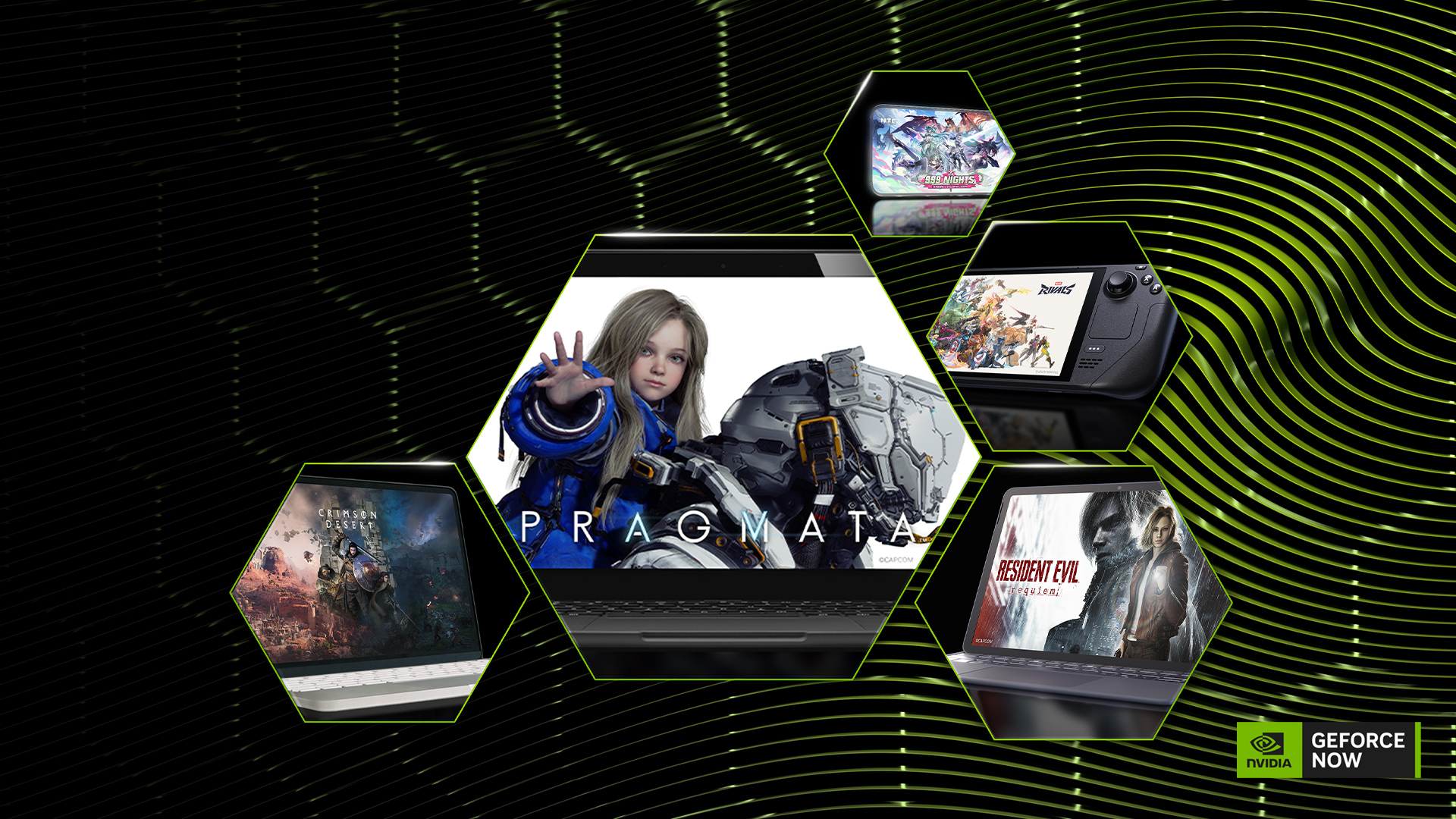
NVIDIA framed the update as a back-to-school push aimed at Chromebook users. The pitch: a Chromebook used for lecture notes, group projects, and a dozen open browser tabs can become a high-performance GeForce RTX gaming PC with just a few clicks. Opening a supported browser or app lets users stream more than 2,000 PC games directly from their existing libraries, with all the heavy computation handled in the cloud. The same approach already works on Mac, Surface, standard laptops, Steam Deck, and mobile devices.
How to get started
Linux users can download the new native app from the GeForce NOW download page, or register the Flatpak repository to install the app that way. Future updates will then be delivered automatically through the repository. Chromebook users can sign into GeForce NOW through a supported browser or app, select their existing PC game library, and start streaming immediately. Buyers of new Chromebooks or Chromebook Plus devices who meet Chromebook Fast Pass eligibility can claim a free year of access, which includes priority access and ad-free streaming.
Terms at a glance
| Group | Benefit | Condition |
|---|---|---|
| Linux users | Full native app release, Flatpak support | Ubuntu 24.04 or later |
| Performance-tier members | Higher frame rates in CPU-intensive games | Applied automatically, no extra cost |
| New Chromebook/Chromebook Plus buyers | One year free, priority access, ad-free | Must qualify for Chromebook Fast Pass |

New games added this week
Nine games joined the GeForce NOW library this week, including Steam newcomers Car Wash Simulator, Pax Autocratica, Clawed, Hell Let Loose: Vietnam, and Sandustry. Cat Mail Co., Misery, Monster Hunter Wilds Prologue Demo, and Pratfall were also added to the streaming lineup.
What this means
For gamers who have stuck with Linux desktops, the GeForce NOW client can now be used officially, without separate workarounds or compatibility patches. For students or parents who use Chromebooks mainly for schoolwork, the practical change is that the same device can be used for class materials during the day and, after hours, for high-performance PC gaming without any additional equipment. The broader trend of cloud gaming lowering the hardware bar continues, and this update extends that reach to Linux users and lower-spec Chromebooks.


Comments