


Summary
- OpenAI's developer account announced that the GPT-Image-2 API now supports transparent background image generation in preview.
- It cited use cases including product images, graphic design, website mockups, and reusable assets for marketing campaigns.
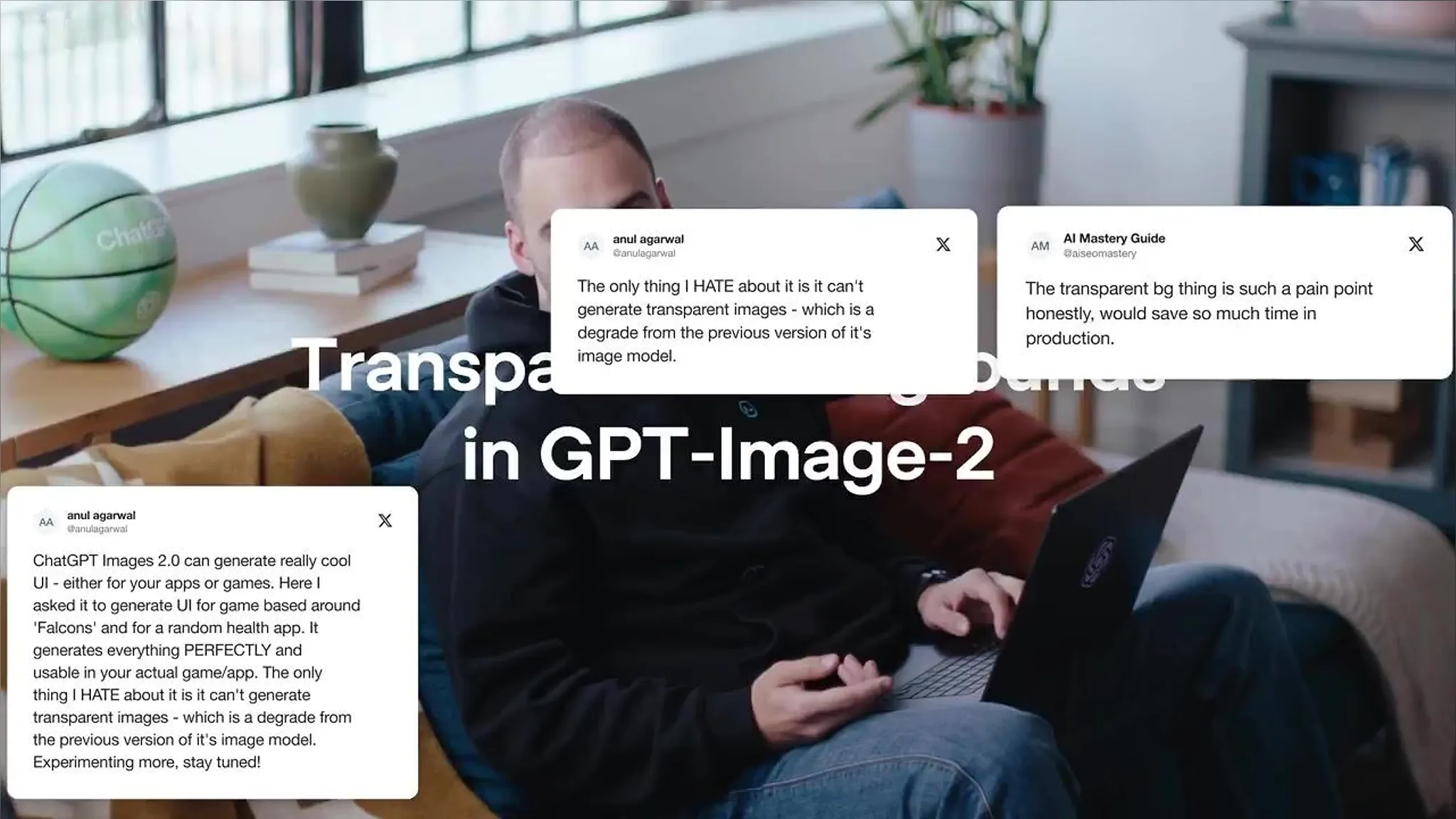
- Some users pointed out incomplete cases, such as requested transparent backgrounds coming out with a checkerboard pattern instead.
Getting background-free images directly from the API
OpenAI's developer account announced via a post on X that the GPT-Image-2 API now supports transparent background image generation in preview. Until now, even when users asked image generation models for assets without backgrounds, the results often came with a white or solid-color background attached anyway. This preview allows the background itself to be left empty, producing images with only the subject through the API directly. OpenAI listed four use cases for this feature: product images, graphic design, website mockups, and marketing campaigns. Images without backgrounds can be reused seamlessly on any screen or printed material, making them assets that, once created, can be used repeatedly across multiple contexts.
What's the difference between GPT-Image-2 and the API
GPT-Image-2 is an image generation model built by OpenAI. Being made available through an API — a channel through which programs call on one another — means that other apps and services, not just the ChatGPT interface, can pull in this model and embed it within their own products. This is why the announcement came as an API update rather than a new button in ChatGPT. Design tools, e-commerce management software, and marketing automation services could all pull in this feature and attach it as their own capability.
In a follow-up post the same day, OpenAI wrote, "More on transparency coming soon," and shared a developer blog post alongside it. The post covers how to create transparent-background images for campaign assets and presentation materials, suggesting that OpenAI is treating this feature not as a one-off update but as an ongoing series.
How to try it
This feature is currently available only through the API, not through the consumer-facing ChatGPT interface. So the people who can try it right now are developers who hold an OpenAI API key, along with users of services that have already integrated this API into their products.
- Check your API key on the OpenAI developer platform.
- When sending an image generation request to GPT-Image-2, specify that the background should be left empty. The announcement post did not include the specific request parameter specification, so developers need to follow the guidance in the developer blog post.
- Take the generated image and place it over whatever background you want — it can be pasted directly into product detail pages, website mockups, marketing banners, and so on.
There's no direct entry point yet for ordinary consumers, but for example, if an e-commerce operator uses an image editing service built on this API, they could quickly generate multiple background color variations from a single product photo. Graphic designers could get logo or character assets without backgrounds and reuse them across multiple projects.

The checkerboard problem still remains
The announcement post also drew user reactions. One user replied that GPT-Image-2 has already been producing transparent backgrounds since its release, pointing out that it "actually is transparent 100% of the time instead of a fake checkerboard pattern 50% of the time". This means that nearly half the time, backgrounds meant to be transparent instead came out as a checkerboard pattern. This is a common error where the checkerboard pattern typically used to indicate transparent areas in image files gets rendered as an actual drawn pattern instead of true transparency — and it's not clear from the announcement post alone whether this preview fully resolves the issue.
Editor's view
This update isn't a flashy new model launch — it's closer to a fix of a single output format in the image generation API. But in practical work, small options like this can significantly cut down task time. Until now, creating a background-free product image required a post-processing step of feeding the model's output back into a tool like Photoshop to remove the background. If that step can be collapsed into a single API call, workflows that previously split image generation and background removal across separate tools now merge into one.
This is a change that e-commerce businesses and ad agencies handling large volumes of product photos would likely feel most acutely. When the same product needs multiple versions — a white background, a seasonal background, a brand-color background — having just one background-free original means the rest can be handled through compositing. If similar image editing or commerce tools in Korea are built on this API, they could absorb this feature directly without needing comparable rework. That said, as with the checkerboard error users flagged, consistency of output may not be perfect at the preview stage, so it would be safer to validate with small batches first rather than plugging it straight into a mass-production pipeline.
The next thing to watch is how much OpenAI's promised follow-up reduces this error. It can be read as a signal that competition among image generation models is shifting beyond how well they can draw, toward how smoothly their output can be fit into actual products.


Comments